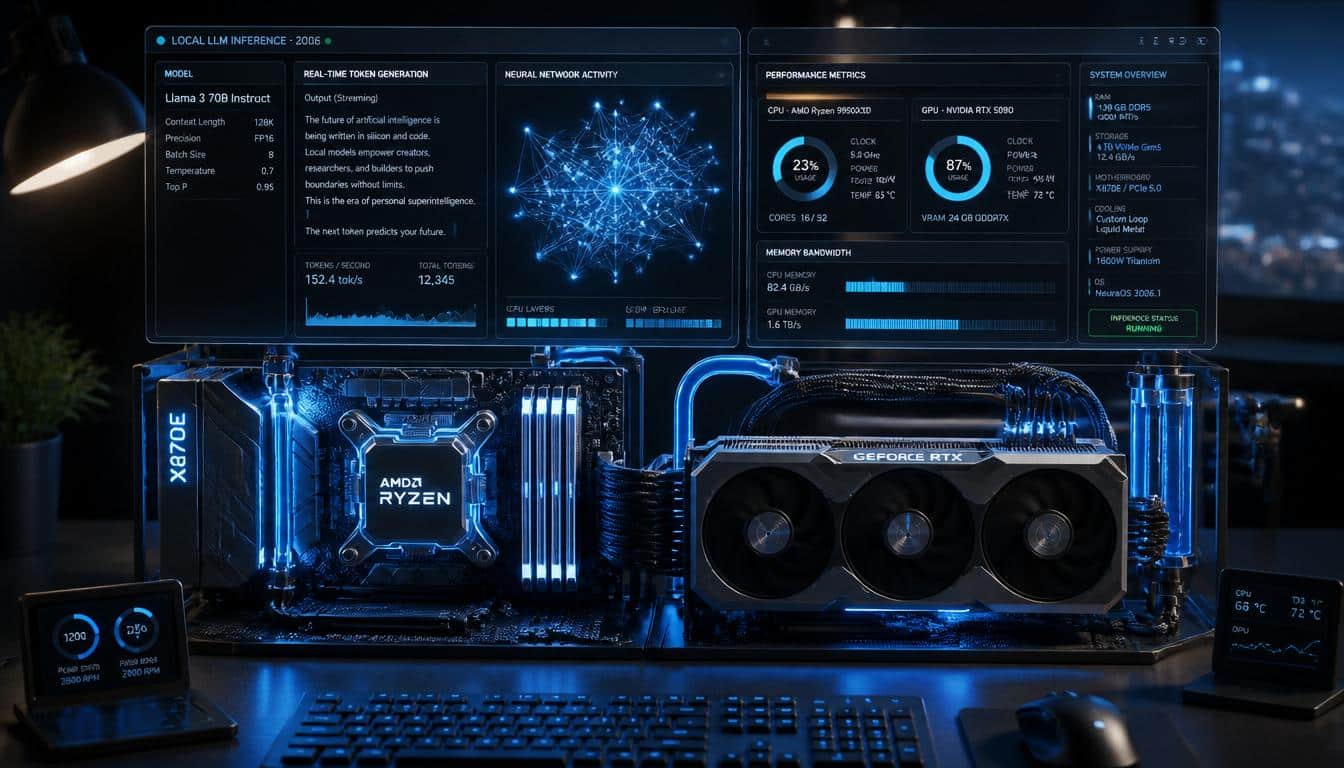
⚡ Quick Answer: GPU inference is 5–20x faster than CPU for local LLMs because VRAM bandwidth (300–900 GB/s) far exceeds system RAM bandwidth (50–100 GB/s). A model fully loaded in 8GB VRAM generates 50–70 tokens/sec. The same model overflowing to CPU drops to 2–5 tokens/sec. Choose GPU if you have 8GB+ VRAM; use CPU only for models under 4GB at Q4_K_M quantisation.
Running AI models at home is no longer a niche hobby. In 2026, more users are choosing local AI because it offers better privacy, lower costs, and faster control over data. The debate around iGPU vs CPU inference local LLM 2026 has become important as modern processors now include powerful graphics capabilities.
Local AI performance depends on how well your hardware handles model calculations. Understanding the relationship between processors, graphics units, memory, and storage helps you make smarter upgrade decisions and improve overall AI responsiveness.
What is Local LLM Inference?
Local LLM inference means running a large language model directly on your computer instead of sending requests to cloud servers. The model generates answers using your hardware, giving you complete control over data and reducing internet dependency.
Many developers prefer local inference because it improves security and allows customization. It also supports Resource-Constrained AI Deployment where users can run optimized models even on mid-range systems.
Why More Users Are Running AI Models Locally in 2026
Privacy concerns continue to drive adoption. Businesses and individual users want sensitive information to remain on their own devices rather than external servers. As a result, local AI has become a practical choice.
Modern processors also provide better AI Hardware Acceleration than previous generations. Combined with efficient software tools, local AI can now deliver impressive performance without requiring expensive hardware.
Overview of iGPU vs CPU Inference Local LLM 2026 CPU, iGPU, RAM, and Storage Roles
The CPU manages instructions, scheduling, and logical operations. The iGPU handles parallel workloads that benefit from graphics-style processing. RAM stores model data during execution while storage keeps model files available for loading.
A balanced system matters more than a single powerful component. Slow storage, limited RAM, or weak processing power can create a RAM Memory Bandwidth Bottleneck that reduces overall efficiency.
Understanding Local LLM Inference Architecture
Every prompt follows a sequence of loading, processing, and token generation. During this process, data moves continuously between memory and compute units. This movement often determines real-world speed.
Efficient architecture depends on Token Processing Throughput and memory access speed. Even a powerful processor can struggle if the model spends too much time waiting for data transfers.
iGPU vs CPU Inference Local LLM 2026: Why Inference Bottlenecks Occur
CPUs excel at sequential and complex tasks. Through CPU Multicore Parallelization, they can handle several operations simultaneously. However, language models often require thousands of repetitive calculations.
An iGPU uses many smaller cores working together. This improves Graphics Compute Unit Utilization and reduces processing delays. Yet memory limitations may still create bottlenecks when larger models are loaded.
| Feature | CPU | iGPU |
|---|---|---|
| Parallel Processing | Moderate | High |
| Power Efficiency | Good | Better |
| Small Models | Excellent | Excellent |
| Large Models | Moderate | Better |
RTX 5070 (July 2026 release) now offers 12GB VRAM at $599 — the new price/performance leader for local LLM inference, replacing the RTX 4060 Ti as the recommended mid-range option.
The Role of Memory Bandwidth in Local LLM Inference
Memory bandwidth determines how quickly data travels between RAM and processing units. When bandwidth is limited, hardware waits for information instead of generating responses.
Many performance issues come from a RAM Memory Bandwidth Bottleneck rather than insufficient computing power. Faster memory often improves results more than upgrading the processor alone.
iGPU vs CPU Inference Local LLM 2026 Impact of RAM Speed on Local Model Latency
RAM speed directly affects Local Inference Latency. Faster DDR5 memory delivers quicker access to model weights and prompt data. This leads to smoother interactions and reduced waiting times.
Users running larger models notice stronger benefits because memory traffic increases significantly. High-speed RAM also helps manage growing LLM Memory Overhead in modern AI workloads.
Quantization Techniques: Making Large Models Fit
Quantization reduces model size by storing information with fewer bits. This process allows larger language models to run on systems with limited resources.
Modern Quantized Model Deployment methods maintain impressive accuracy while lowering memory usage. As a result, users can run advanced models without investing in high-end hardware.
Configuring Your Local Environment for iGPU Acceleration
Software plays a major role in performance. Popular Inference Engine Frameworks such as Ollama, LM Studio, and llama.cpp help unlock integrated graphics acceleration.
Many frameworks now support Neural Network Compute Shaders, allowing iGPUs to process AI workloads more efficiently. Keeping drivers updated also improves stability and compatibility.
Performance Benchmarks: Real-World Expectations
Real-world testing shows that modern iGPUs often outperform CPUs during AI inference tasks. The advantage becomes more noticeable when model size increases.
In many cases, systems using Hardware-Level Parallel Processing generate tokens faster and consume less power. However, results vary depending on memory speed, model size, and software optimization.
Best Practices for AI Workload Allocation
Smart resource management improves overall performance. CPUs handle background tasks, system processes, and model coordination effectively while iGPUs focus on inference calculations.
This approach uses Dynamic System Resource Allocation to balance workloads. When resources are distributed correctly, users experience smoother interactions and better efficiency.
When to Rely on CPU-Only Inference
CPU-only inference remains useful for smaller models and professional environments where compatibility matters more than speed. Many lightweight models perform well without graphics acceleration.
It also simplifies deployment because fewer drivers and hardware dependencies are required. For entry-level users, CPU-only setups remain a practical starting point.
iGPU vs. Dedicated GPU: Is an Upgrade Necessary in 2026?
iGPU vs CPU Inference Local LLM 2026 : Dedicated GPUs still deliver the highest performance. However, modern integrated graphics have narrowed the gap significantly. This trend is changing traditional views on Integrated vs. Discrete GPU Benchmarking.
For casual users and developers, an advanced iGPU may provide enough performance. Dedicated GPUs become more valuable when handling very large models or professional AI workloads.
Future Trends in Consumer AI Hardware
Hardware manufacturers continue to improve AI-focused architectures. Future chips will increase memory bandwidth, processing efficiency, and integrated acceleration capabilities.
Experts expect stronger Edge AI Hardware Optimization and better shared-memory designs. These improvements could make local AI accessible to millions of additional users.

Hardware selection has a direct impact on local LLM performance, but choosing the right AI model is equally important. Our guide to the best local edge AI models for software developers can help you find models that balance speed and accuracy. If you’re considering dedicated AI accelerators, read our comparison of NPU vs GPU for local AI hardware to understand where each platform excels.
Frequently Asked Questions
Is an iGPU good enough for local LLM inference in 2026?
Yes. Modern integrated GPUs can run many popular language models efficiently, especially when combined with fast DDR5 memory.
Does RAM speed matter for AI inference?
Absolutely. Faster RAM reduces Local Inference Latency and improves data transfer performance.
What is the biggest bottleneck in local AI?
In many systems, memory bandwidth becomes the primary limitation rather than raw processing power.
Should I upgrade to a dedicated GPU?
Only if you regularly run larger models or need maximum performance for professional workloads.
Conclusion
The iGPU vs CPU inference local LLM 2026 comparison shows that integrated graphics have become a serious option for local AI. While CPUs remain essential for system management and general computing, iGPUs offer stronger parallel processing for language model inference.
“For a complete comparison of the best local LLM
models and hardware requirements in 2026, see the
complete local LLM guide“
Key Takeaways
Memory bandwidth often matters more than raw processor speed. Modern iGPUs deliver excellent value while quantization makes larger models accessible on consumer hardware.
Recommended Hardware Configurations
A balanced system with a recent processor, capable iGPU, 32GB DDR5 RAM, and fast NVMe storage provides strong local AI performance for most users.
Final Recommendations for Different Users
Beginners should start with iGPU vs CPU Inference Local LLM 2026combinations. Enthusiasts can benefit from optimized integrated graphics systems. Professionals handling large AI workloads may still find dedicated GPUs worthwhile, but the gap continues to shrink every year.
For most users, the best results come from balancing processor power, memory bandwidth, and model optimization rather than focusing on a single hardware component. As AI hardware continues to evolve, local inference will become faster, more accessible, and more efficient. If you want to explore another important hardware comparison before making your next upgrade decision, read our detailed guide on NPU vs GPU Local AI Hardware here.

Hammad Ahmed is a technology blogger and Computer Engineering student who writes about AI, software, hardware, cybersecurity, and emerging technologies. At TechInfort, he focuses on delivering clear, practical, and research-driven content that helps readers stay informed about the latest developments in the tech industry.